Getting started
Your First 10 Minutes with Riabo
Get your school set up and ready to use in around ten minutes.
No technical knowledge needed. Follow the steps below and you will be ready to use Riabo with your school.
Introduction
Welcome to Riabo.
This guide will help you set up your school in around ten minutes.
By the end, you will have added your staff, organised them into groups and assigned your first action.
What you will cover · about 10 minutes
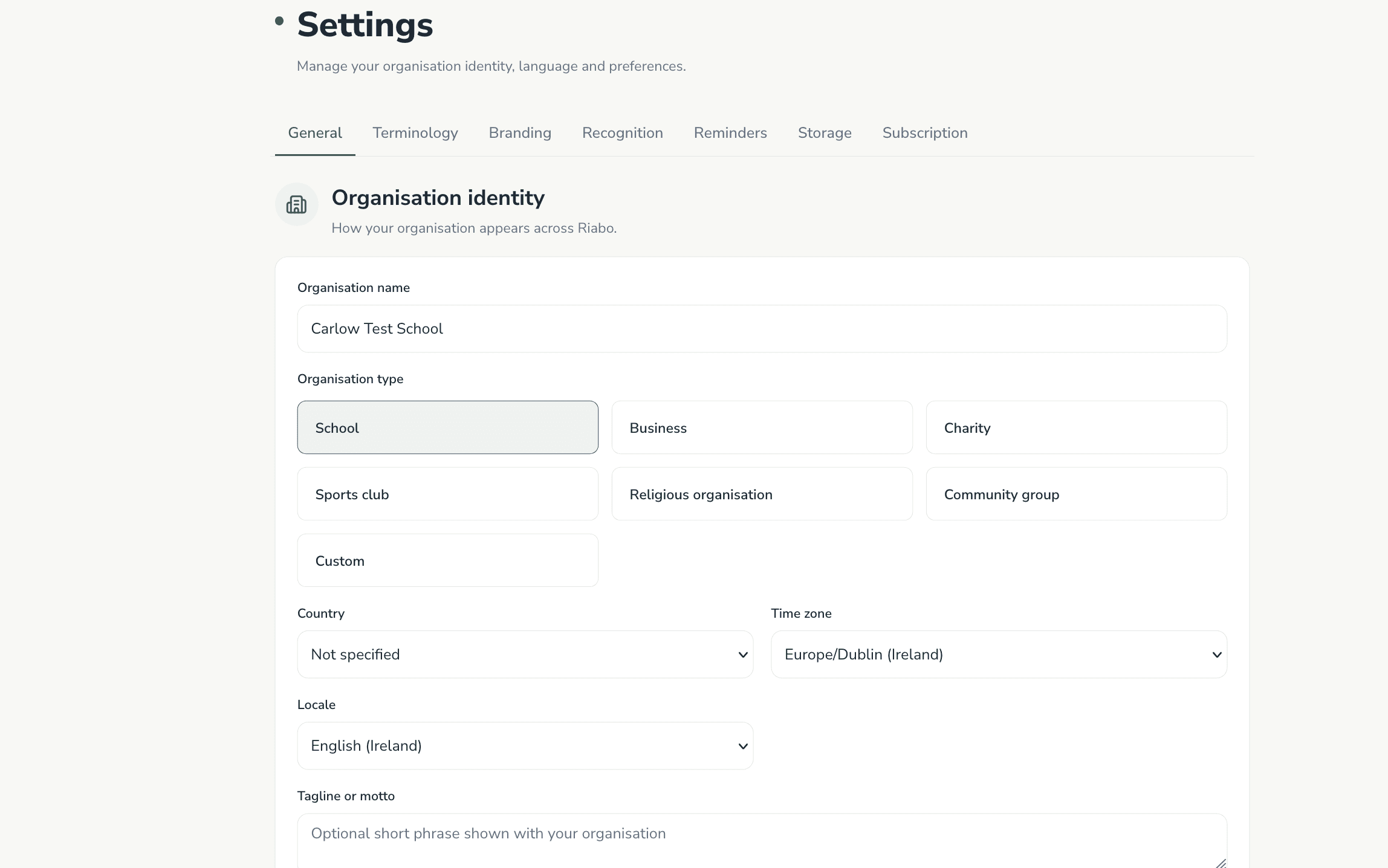
Check your organisation details
Confirm the basics so Riabo feels right for your school from day one.
You do not need technical knowledge — these are ordinary school details.
- Organisation name
- Organisation type
- Terminology (for example Teachers or Staff)
- Basic settings
Add your branding
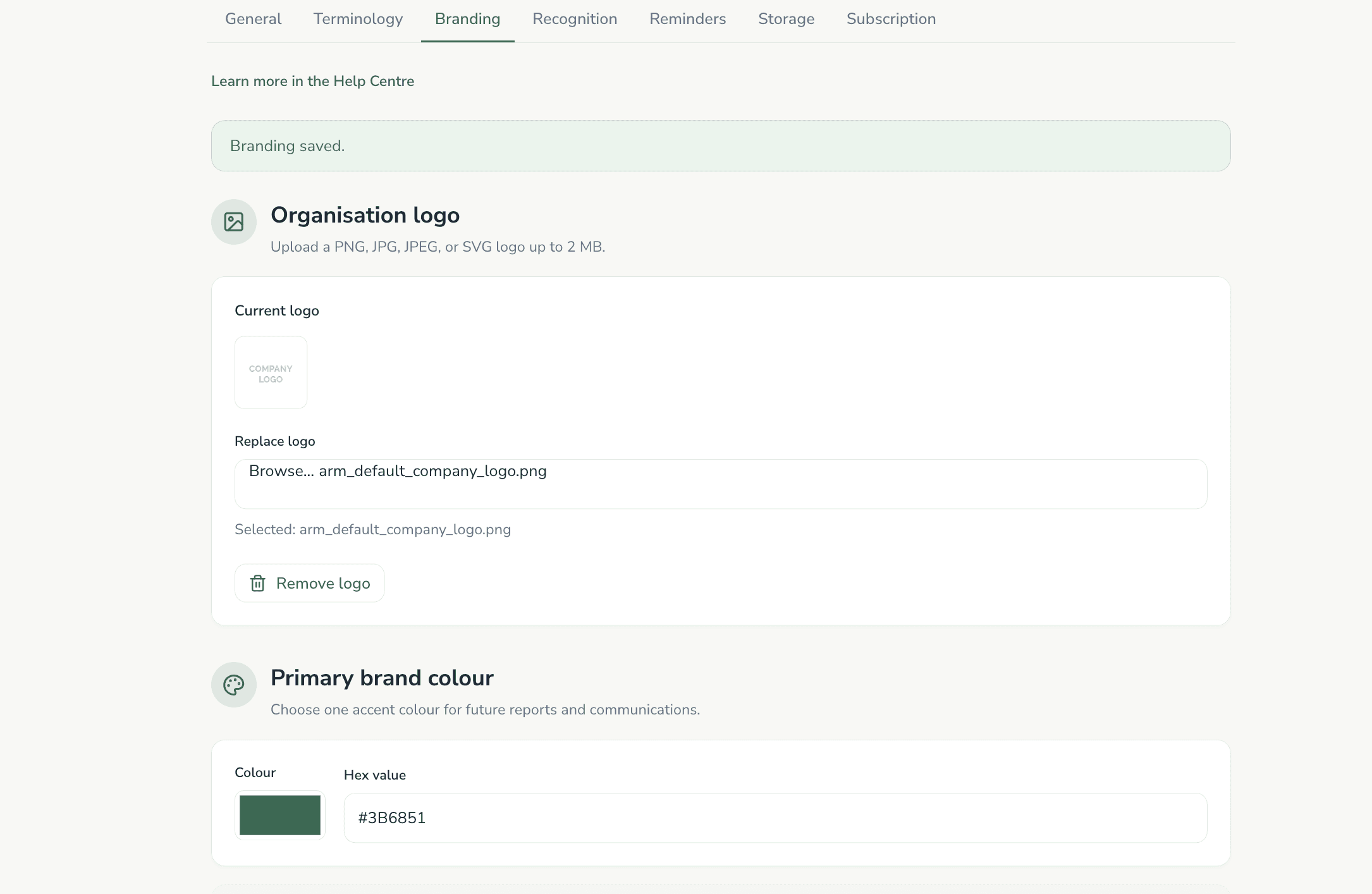
Make Riabo feel like your school’s workspace.
Your branding appears across the organisation’s Riabo experience.
- Upload your school or organisation logo
- Choose your primary brand colour
- Save your changes
Add your staff
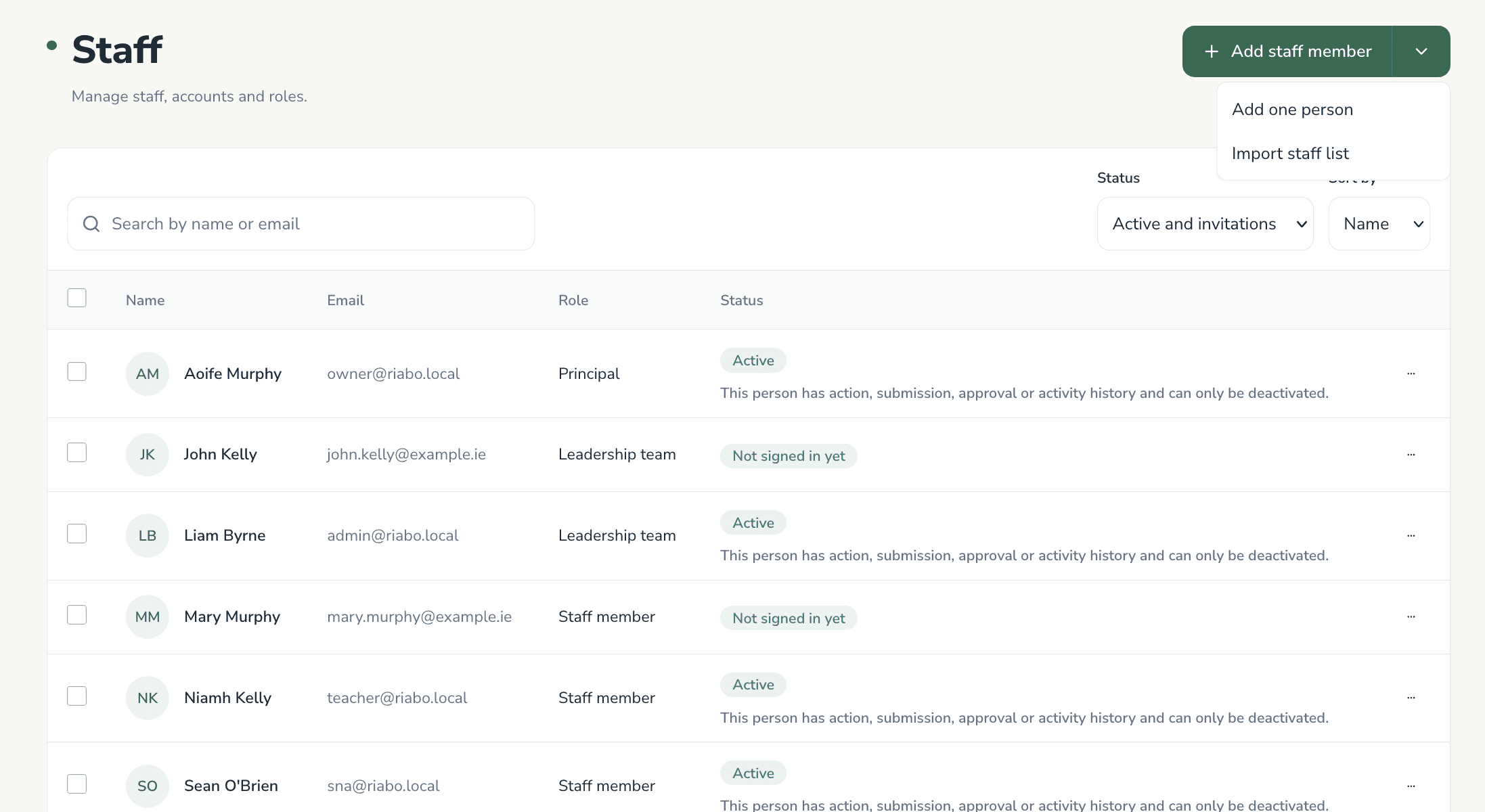
Accounts are created immediately. Staff change their temporary password when they first sign in.
- Add one person — enter name and email, choose a role, create the account, then copy or print the temporary login details.
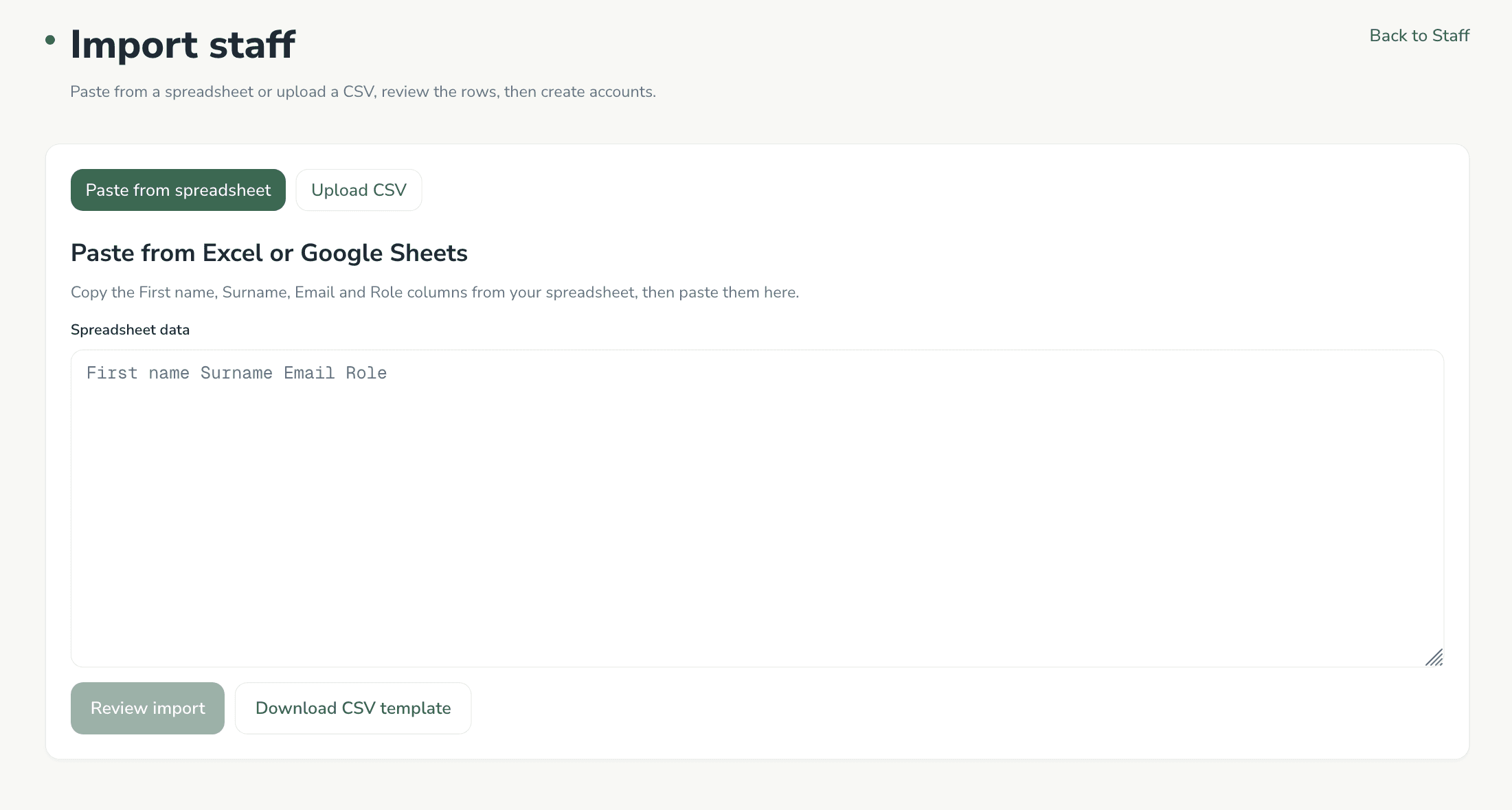
- Import several staff — use the CSV template, upload the file, review the results, then print or download the temporary login details.
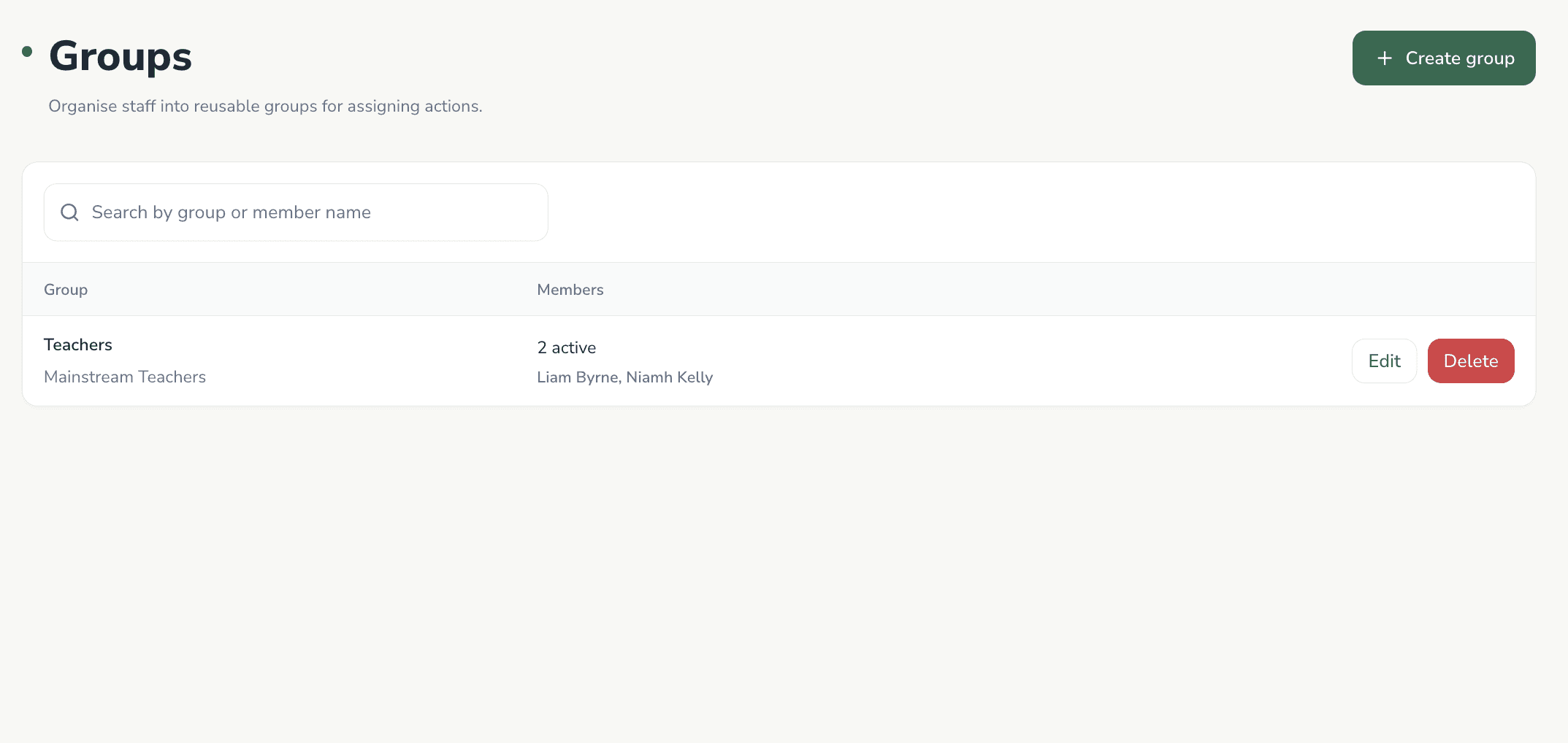
Create staff groups
Groups make assigning work faster. Create a few that match how your school already thinks.
Where the system supports it, one person can belong to more than one group.
- Junior Classes
- Senior Classes
- SET
- SNAs
- Leadership Team
- All Teaching Staff
Assign your first action
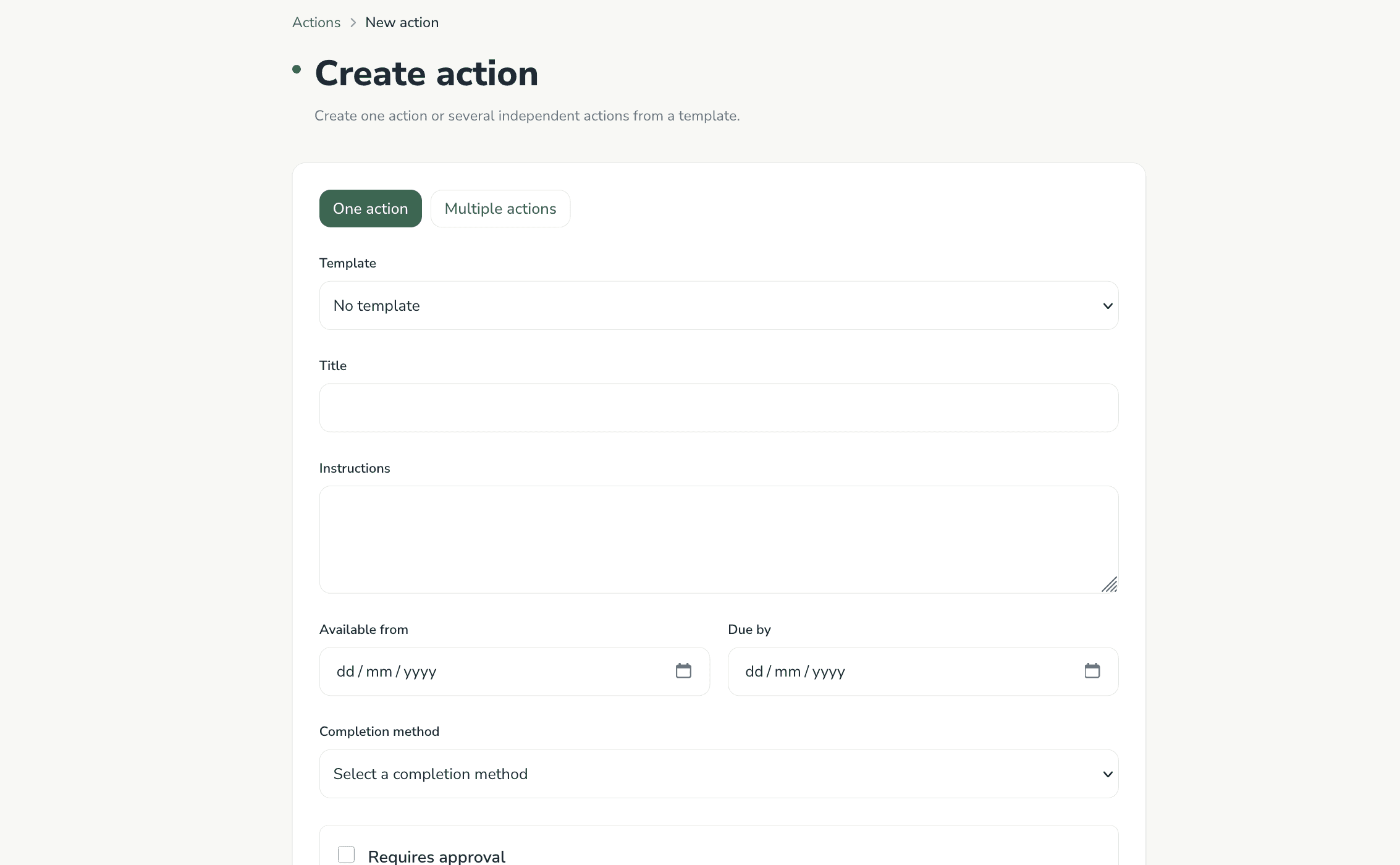
Start with one clear piece of work. Keep the first action simple so staff learn the flow quickly.
- Select Create Action
- Add a clear title and instructions
- Choose a staff member or group
- Add a due date if needed
- Select the response type
- Assign the action
Start with a template
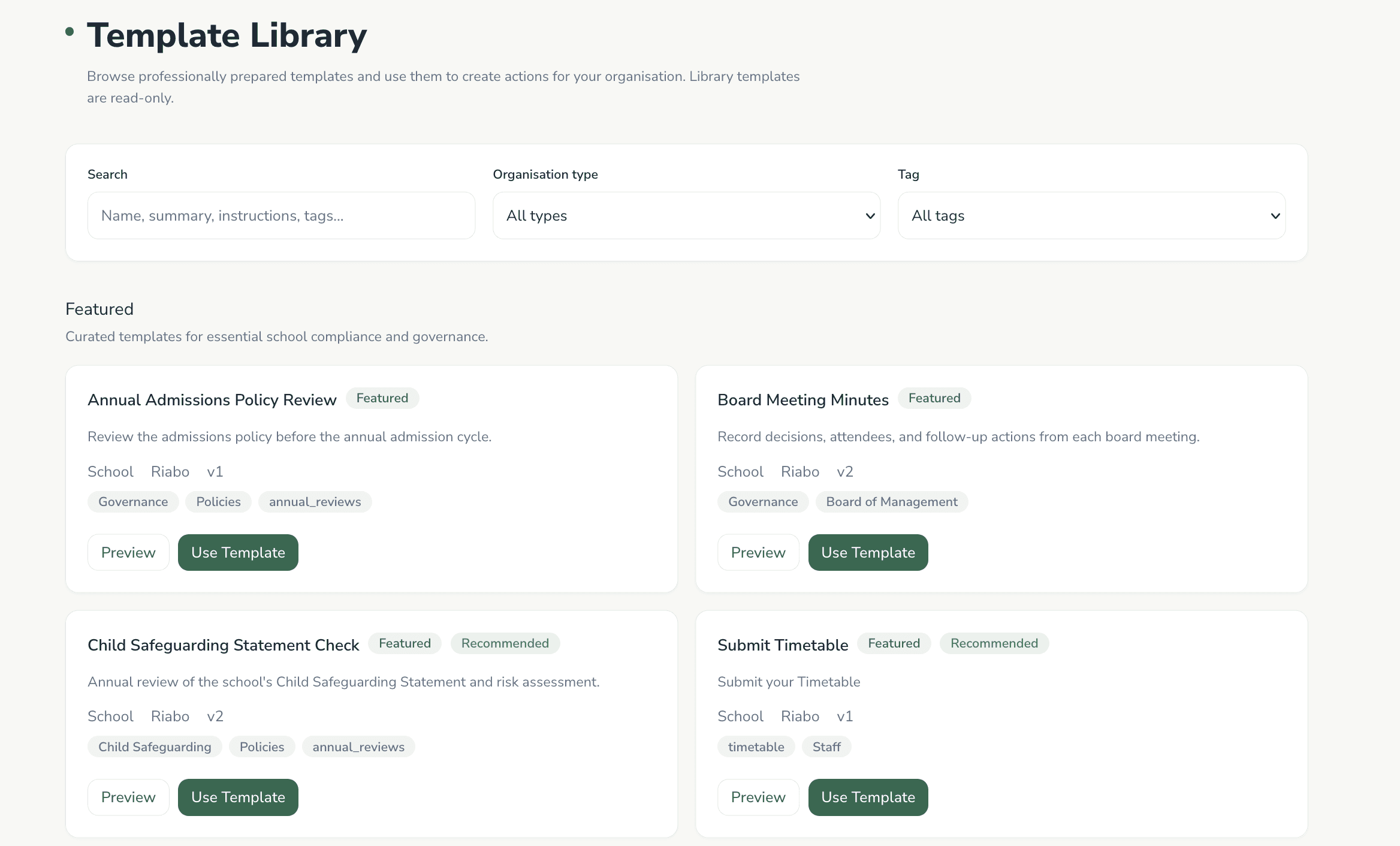
Templates are the fastest way to begin using Riabo for familiar school work.
- Open the Template Library
- Select a suitable template
- Review or adapt it
- Assign it to staff
Track progress
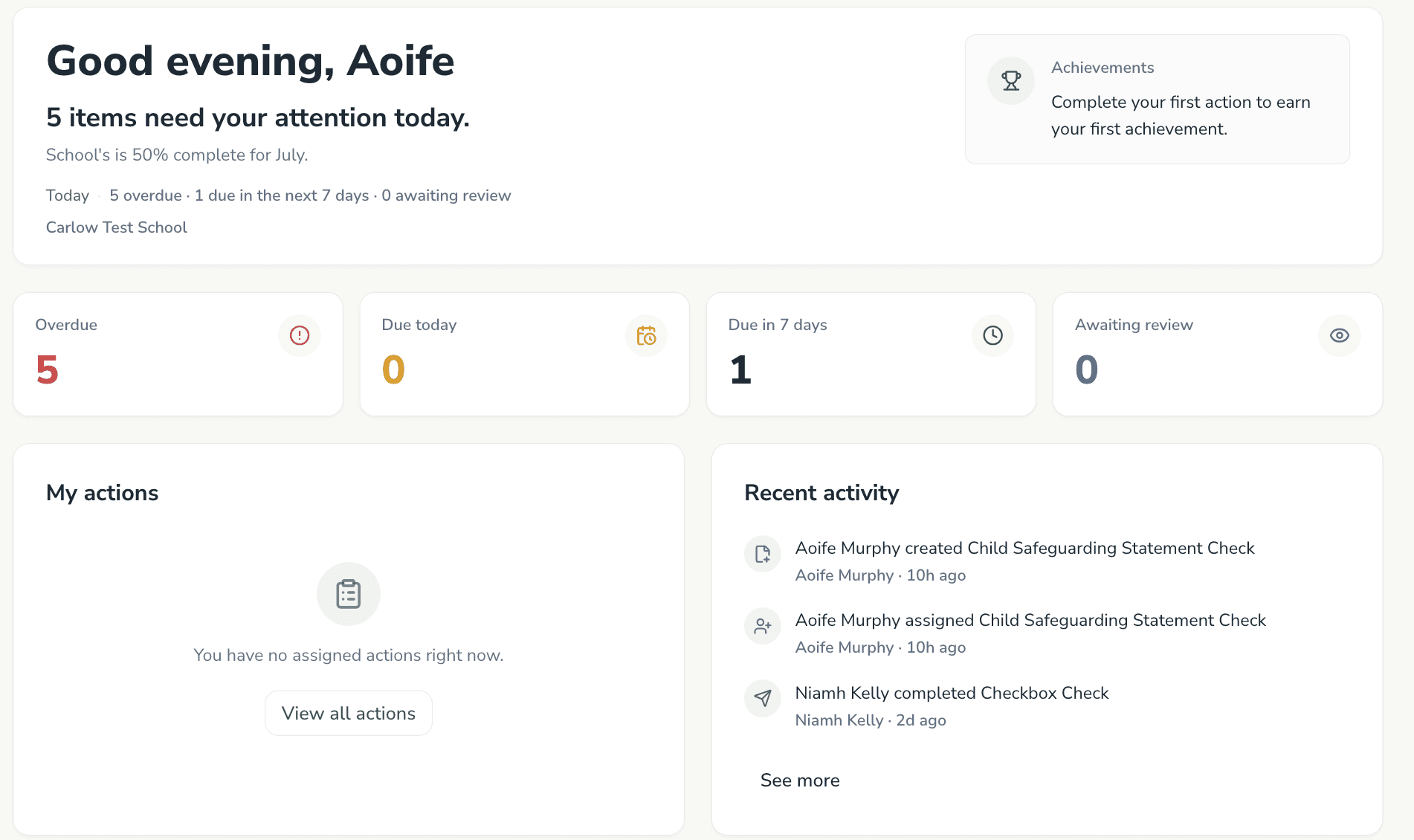
The dashboard updates automatically as staff complete actions.
You can see completion status, outstanding work, recent activity, approvals where required, and reports and insights.
Activate Premium
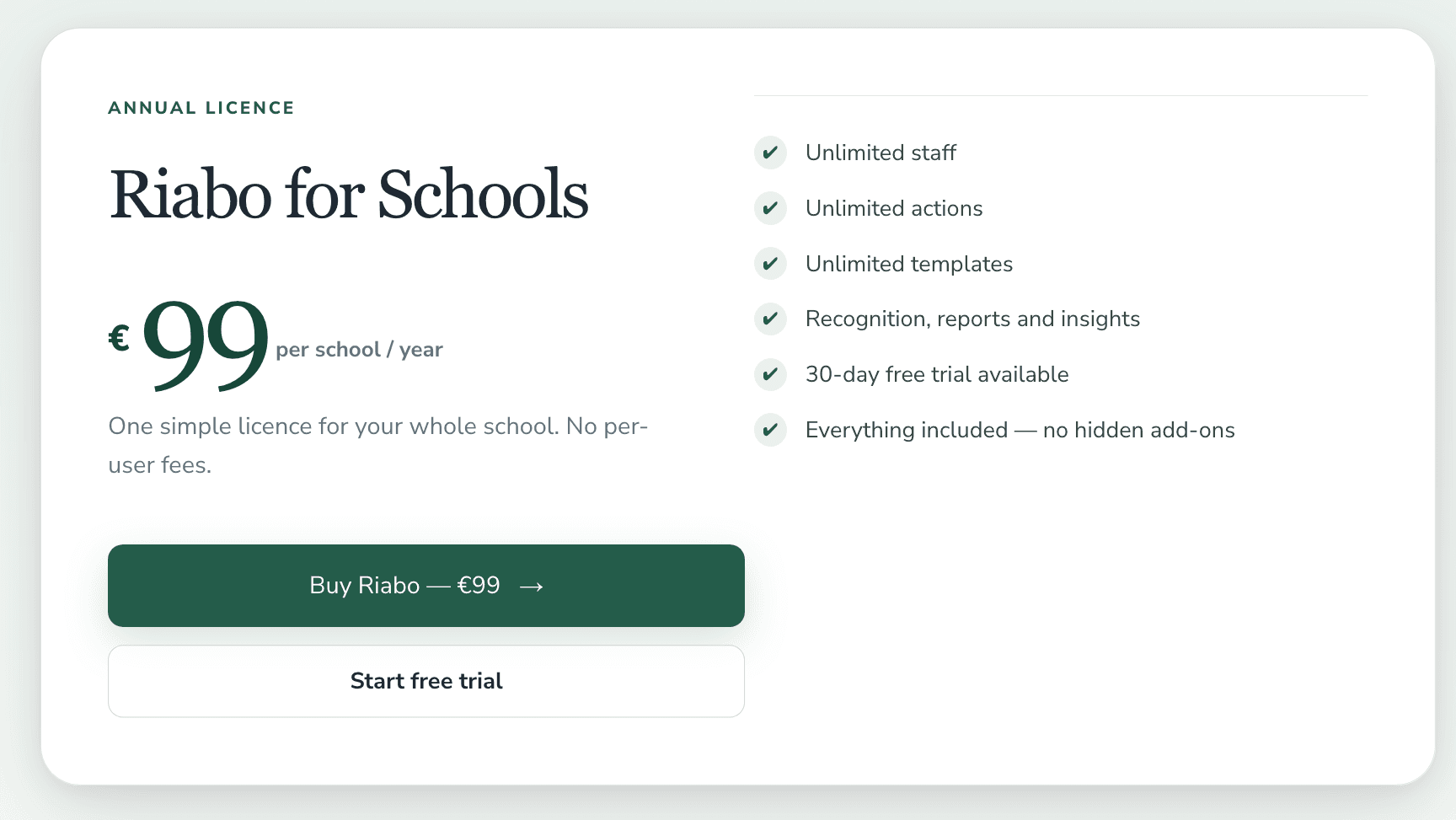
Your trial includes full access so you can set everything up first.
When you are ready to continue, use the normal subscription process on the pricing or subscription pages. If your school is entitled through SchoolPolicy, or you have a gift or complimentary code, enter that activation code on the Subscription page.
Activation codes are for entitled or complimentary access — not the usual way to purchase Riabo.
You’re ready
Your organisation is now ready to use Riabo.
Start with one or two recurring tasks, let staff become familiar with the process and build from there.
- Create another group
- Explore the Template Library
- Create an organisation template
- Review reports
- Customise terminology
- Invite the leadership team to help manage actions